
For many years we have heard how to create a strong defense against cybercriminals. We have been told to change passwords every three months, at least. Never use the same password for two or more sites or accounts. Don’t tell anyone your password. Use a combination of lower case, upper case, and numbers … and maybe even special characters. As the guidelines change, so do the cybercriminals and their tools – or is it the other way around?
While I do change my passwords frequently for well-used accounts, I have random accounts that don’t get updated quite as often as they should. You know those accounts that you are forced to create when you want to order food or items online. Those annoying restaurants and stores that really just want to spam you with unnecessary coupons, advertisements, and enticements to try to get you hooked on their products.
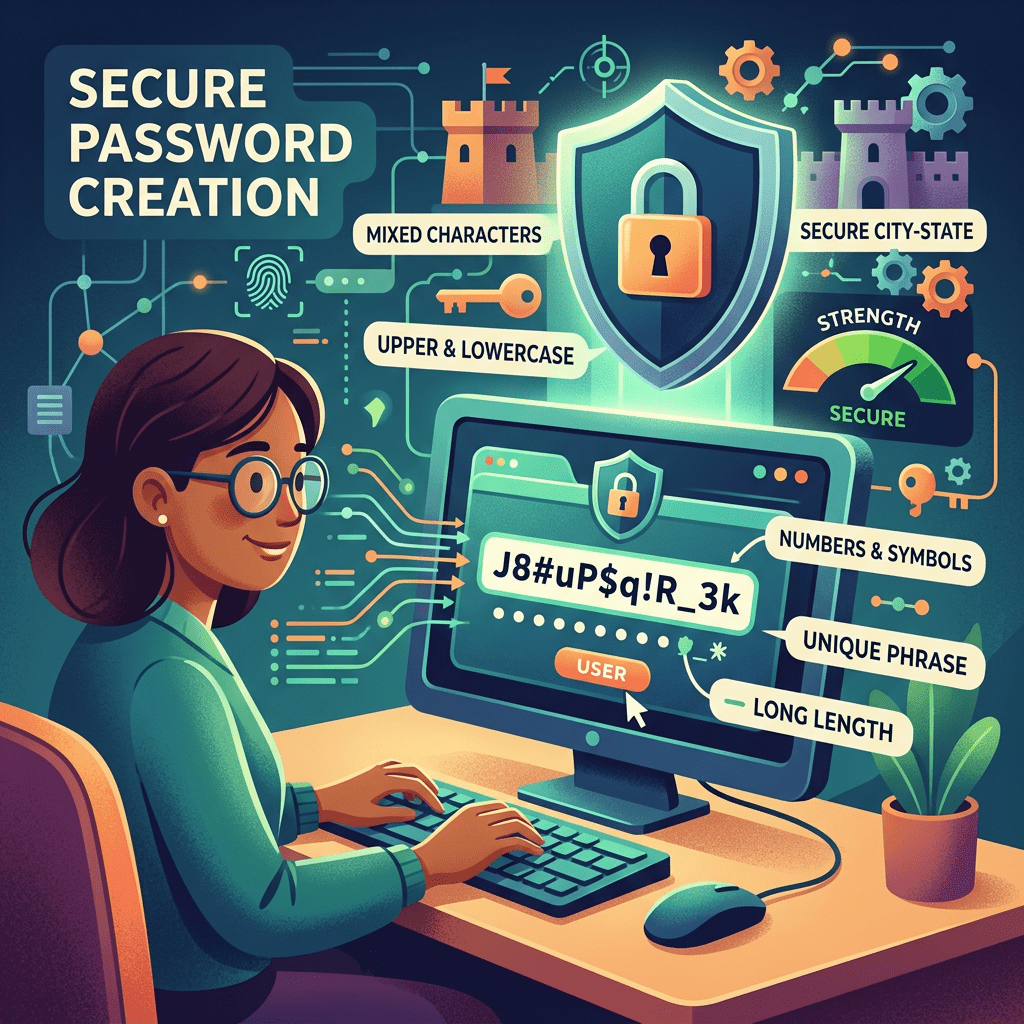
Going through those accounts and attempting to close them or at least to change passwords and email addresses can be a chore! Still, wading through the barrage can be somewhat satisfying, knowing that your online footprint will be a bit smaller. Some accounts are more difficult than others. There is no clear way to close the account and have your data expunged. It takes much more time and effort.
One thing I have noticed, however, is that many of the accounts automatically add the multifactor authorization (MFA). And on those that do not, it is a good idea to add it yourself. MFA is the requirement to use more than just a password to get into the account. It may use a passkey, a code sent to the phone, or even an authentication application.
The National Institute of Standards and Technology (NIST) publishes new warnings and guidelines periodically. One of their recommendations is to move beyond passwords, stating passwords are not as secure as other methodologies. Hackers steal passwords through data breaches and through phishing attempts.
NIST suggests that if you do use passwords, make them at least 15 characters long. They also recommend to use a password manager, so you your long password will not have to be remembered; and always use MFA.
With over 3,000 data breaches in 2024, it goes without saying that some of your data has already been compromised. Yet, if you are vigilant, you are less likely to have your data taken by those evil people who prefer to lie and steal for a living. (She said with a smile). Seriously, in this world of “everything online” do your best to protect your information. And keep smiling!

